How to spot and remove malware simple guide for everyday users, computer infections removal advice
Spot and Remove Malware: A Simple Guide for Everyday Users
8 October 2025
Introduction
We’ve all heard the term “malware,” but for many people, it doesn’t hit home until the symptoms show up on their own device. Maybe your laptop slows to a crawl, strange ads pop up out of nowhere, or a file you need suddenly disappears. That’s usually the moment you realize something isn’t right.
The good news is malware isn’t unbeatable. With the right knowledge and tools, you can spot infections early, remove them safely, and prevent future attacks. In this guide, we’ll go over the basics of what malware is, the warning signs to look out for, and the best ways to protect your device — with some help from trusted antivirus tools like AVG and Avast.
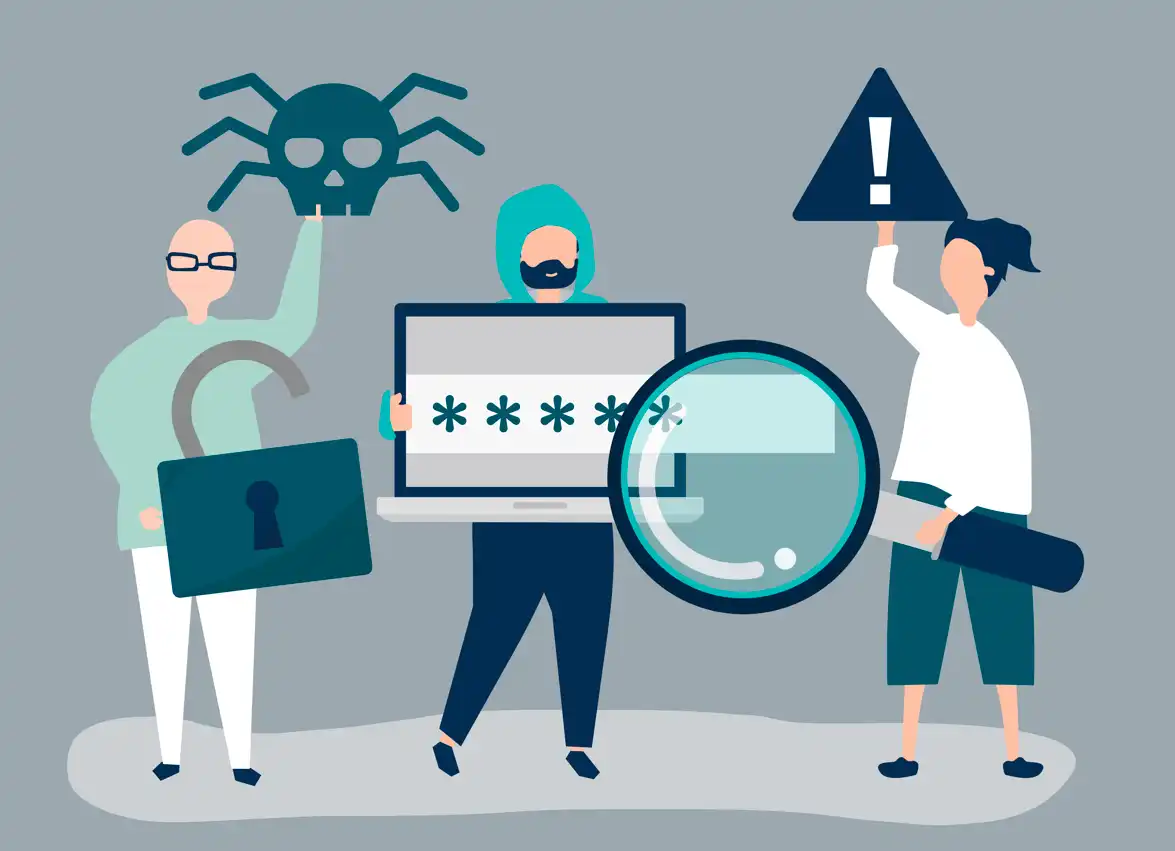
What Exactly Is Malware?
Malware stands for “malicious software,” and it’s an umbrella term for programs designed to harm your device or steal your data. Some malware is noisy and disruptive, while other types quietly run in the background, gathering your information without you realizing it.
Here are the most common types:
- Viruses – Attach themselves to files and spread when you share or open them.
- Spyware – Secretly tracks your browsing habits, keystrokes, or personal data.
- Adware – Floods your screen with endless ads, sometimes redirecting your searches.
- Ransomware – Locks or encrypts your files and demands payment for access.
- Trojans – Disguise themselves as legitimate apps or downloads, then execute harmful actions.
Regardless of type, the goal is the same: exploit you or your device for profit, access, or control.
Signs Your Device Might Be Infected
Malware isn’t always obvious. Some infections are designed to blend in, but there are red flags you can watch for:
- Performance drops – Your computer or phone suddenly feels sluggish, freezes, or crashes often.
- Annoying pop-ups – Ads, warnings, or fake alerts keep appearing.
- Unexpected behavior – Apps open or close on their own, or settings seem to change without your input.
- Missing or locked files – Ransomware and other threats can hide or encrypt your data.
- Strange internet activity – Your data usage spikes for no reason, often a sign of spyware sending information out.
If you notice several of these signs at once, there’s a good chance malware is involved.
Step-by-Step: How to Remove Malware Safely
If you think you’ve been infected, don’t panic. Follow this straightforward process:
- Disconnect from the internet
This stops the malware from spreading further or sending data to outside servers. - Enter Safe Mode
Booting into Safe Mode loads only essential functions, making it easier to detect and remove malware. - Run a malware scan
Use a trusted security tool to identify and remove infections. Programs like AVG AntiVirus and Avast Free Antivirus are widely used because they catch a broad range of threats, update regularly, and provide both free and premium options. - Remove or quarantine infected files
Follow the scan results carefully. Most antivirus tools let you isolate suspicious files without deleting them outright, which is safer if you’re unsure. - Update your system and apps
Malware often sneaks in through outdated software. Installing updates closes those gaps. - Change your passwords
If spyware or keyloggers were involved, your logins may already be compromised. Use strong, unique passwords this time around.
How to Stay Protected Against Malware
Prevention is the most powerful defense. Here’s how to minimize your risks:
- Install reliable antivirus software – A trusted antivirus program runs in the background, scanning files and blocking threats before they spread. Both AVG and Avast are popular because they balance user-friendliness with strong protection.
- Be careful with downloads – Only install apps and software from official stores or verified publishers.
- Think before you click – Links in emails, pop-up ads, and unknown messages are common infection sources.
- Keep everything updated – Operating systems, browsers, and apps often release patches to close security holes.
- Use strong authentication – Secure passwords combined with two-factor authentication protect your accounts even if malware tries to steal them.
- Back up your data – Regular backups mean ransomware won’t hold you hostage.
Common Myths About Malware
There’s a lot of misinformation around malware. Let’s clear up a few myths:
- “Restarting my device will fix it.”
Malware often reloads at startup. A restart won’t remove it. - “Macs don’t get malware.”
Macs are less common targets, but they’re not immune. Recent attacks prove macOS users need protection, too. - “Free tools are enough.”
Free malware scanners can be helpful, but premium versions of antivirus software (like those from AVG and Avast) offer stronger defenses such as real-time scanning, phishing protection, and ransomware shields.

Why Antivirus Tools Matter More Than Ever
Malware is evolving. Hackers now use sophisticated techniques like fileless malware (which hides in memory instead of files) or phishing campaigns that trick you into giving away your data. Manual checks and basic tools can only go so far.
This is where antivirus software shines. A good antivirus doesn’t just react when something goes wrong — it prevents infections in the first place. For example:
- AVG offers smart scanning, email shield protection, and real-time security updates.
- Avast provides features like Wi-Fi network scanning, ransomware shields, and phishing detection.
By running one of these in the background, you add a strong first line of defense against modern malware threats.
Final Thoughts
Malware might feel intimidating, but with the right awareness and tools, it doesn’t have to be. Knowing the signs of infection, acting quickly to remove threats, and adopting safe browsing habits can keep your digital life secure.
Think of it this way: you wouldn’t leave your front door unlocked at night. In the same way, leaving your computer or phone unprotected invites trouble. Installing antivirus software, staying cautious with downloads, and keeping your system updated are simple steps that make a big difference.
At the end of the day, malware protection is about peace of mind. With trusted solutions like AVG or Avast, along with smart online habits, you can focus on enjoying technology instead of worrying about what’s lurking behind the screen.
Comments on this How to Spot and Remove Malware: A Simple Guide for Everyday Users article are welcome.
VPN
VPN Posts
Why Everyone is Getting on The Anonymity Train
What things to check before using VPN for PC?
++
Building Articles
Residential Architecture
Comments / photos for the How to Spot and Remove Malware: A Simple Guide for Everyday Users page welcome